WordPress Backup & Restore — Protect Your Website and Your Hard Work
Your website supports your business. Give it a reliable backup routine.
Product listings, customer information, website content and design take time to build. Keeping a verified backup gives you a recovery option when an update goes wrong or you need to move your website.
WordPress Backup & Restore brings manual backups, daily scheduling and cloud uploads into your WordPress dashboard—helping you spend less time on repetitive backup tasks and more time serving customers and growing your business.
Important Features
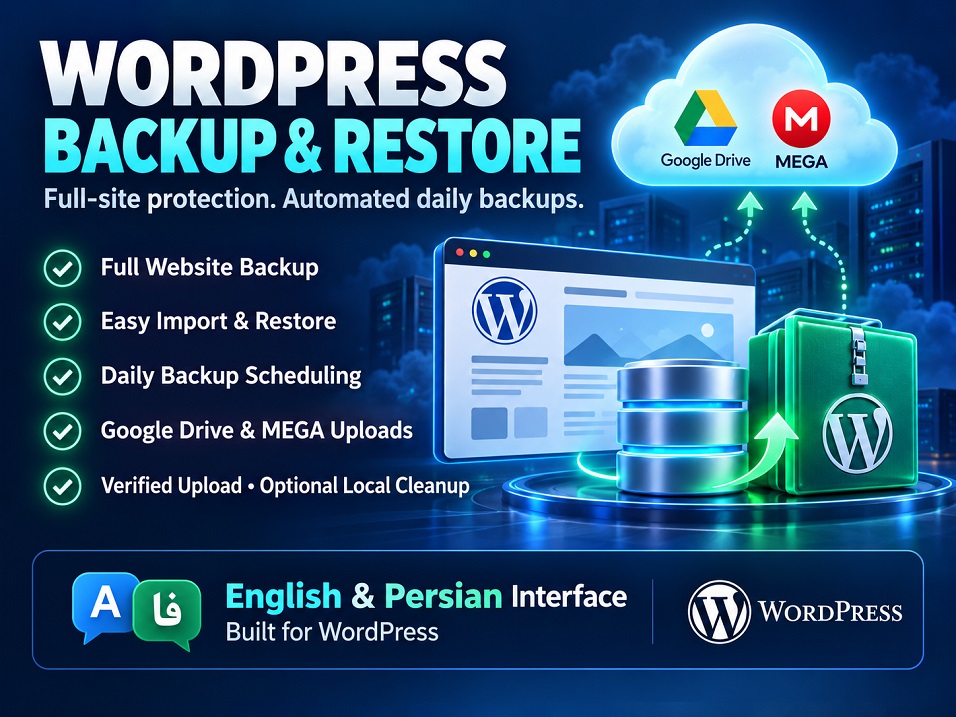
- Full Site Backups — Back up your database, media, themes and plugins using the original backup engine.
- Website Import & Restore — Restore compatible
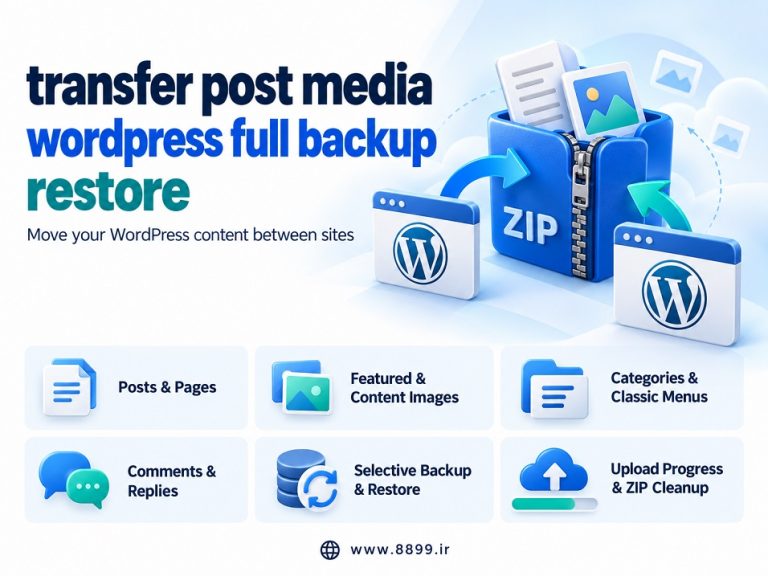
.wpressarchives through the plugin’s Import section. - Website Migration — Use backup archives to transfer your WordPress website to another installation.
- Daily Backup Scheduling — Choose a daily start time based on your WordPress timezone.
- Google Drive Uploads — Automatically send scheduled backups to your connected Google Drive account.
- MEGA Cloud Uploads — Configure a separate MEGA destination through the included Node.js application.
- Verification Before Local Deletion — Check uploaded backups before allowing optional cleanup of the local archive.
- Optional Hosting Space Cleanup — Delete the current automated backup locally after successful verification; keep it when a transfer fails.
- Manual Backup Downloads — View available local backups and download copies from the Backups page.
- English & Persian Interface — Display settings, instructions and status messages according to your WordPress administration language.
More Time for Your Business
A consistent backup routine reduces the manual work of creating and moving backup files. Cloud storage also lets you keep copies outside your hosting account, while optional verified cleanup helps manage local disk usage.
Build your backup routine today—and keep your attention on your customers, content and sales.
Setup requirements: Cloud uploads require connected accounts and available storage. MEGA requires the included application running on Node.js 20 or later. For reliable scheduling on low-traffic websites, configure a hosting Cron Job.