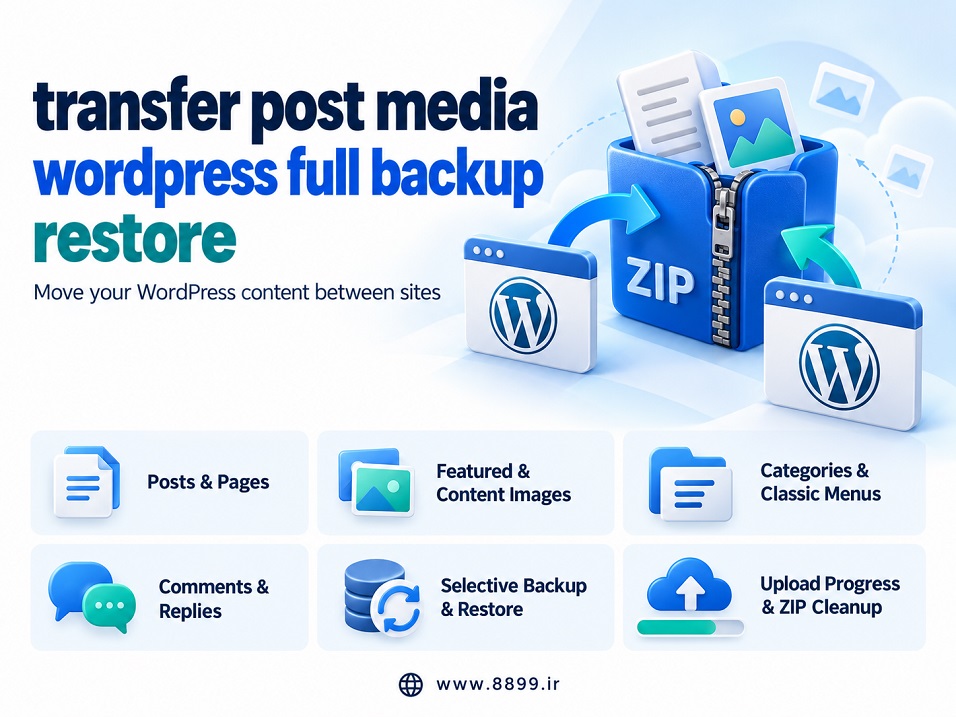
Transfer Post Media WordPress Full Backup Restore helps you move content between WordPress websites.
It exports posts and pages into a ZIP file for importing on another site.
Your content is transferred with featured images and locally hosted images embedded in articles.
You can back up all content, posts from one category, or manually selected posts and pages.
The plugin also supports categories, classic navigation menus, comments, and replies.
Backup and restore sections can be selected independently, with all sections enabled by default.
Upload progress indicators help you track file transfers and identify interruptions.
Retry controls let you restart failed uploads, while ZIP deletion helps free server space.
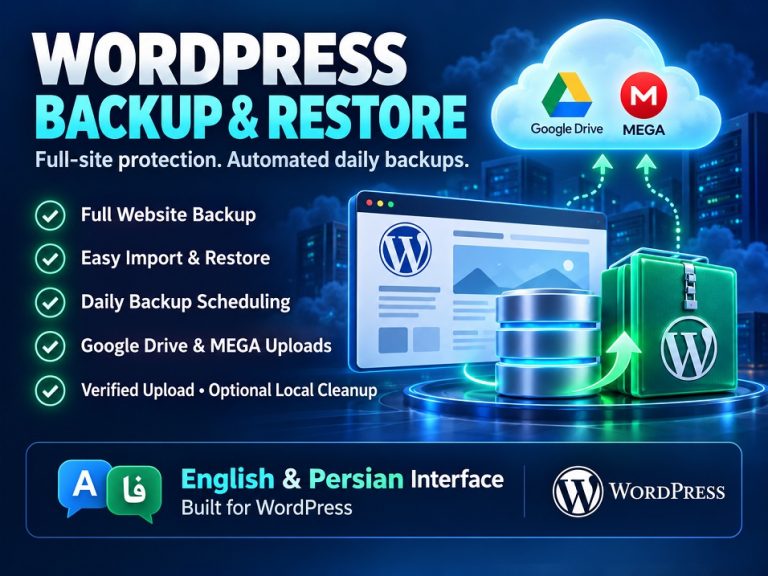
The interface automatically follows your WordPress administration language, supporting English and Persian.
It focuses on content migration; themes, plugins, databases, and page builder settings are outside its scope.
- Export and import WordPress posts and pages through ZIP files.
- Transfer featured images and locally hosted in-content images.
- Select all content, one category, or individual posts and pages.
- Restore categories and their parent–child relationships.
- Transfer classic navigation menus, comments, and replies.
- Choose backup and restore sections independently.
- Monitor upload progress, retry failed uploads, and delete temporary ZIP files.

0 دیدگاه برای WordPress content transfer and restore
اگر تجربه یا پرسشی دارید، همینجا برای ما بنویسید.