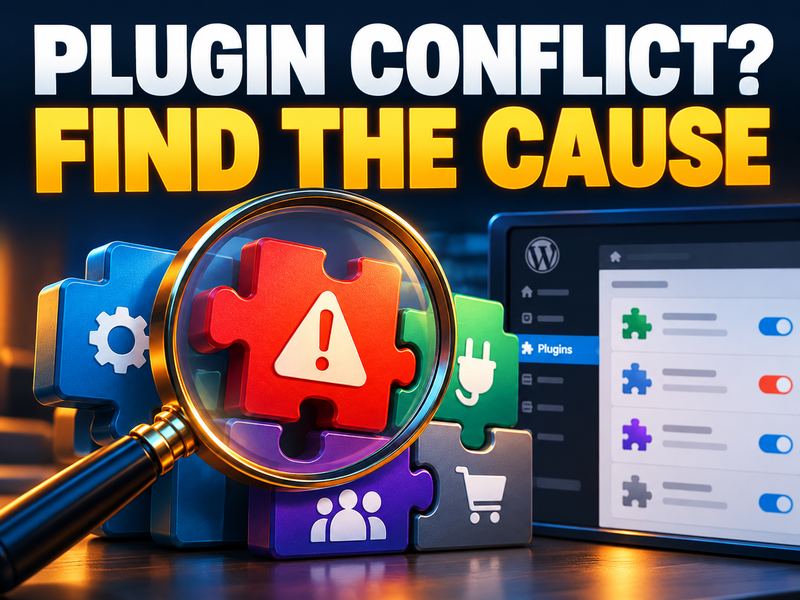
Plugin Spotlight: Find WordPress Conflicts with Troubleshooting
Troubleshooting is a WordPress diagnostic plugin that offers the former Health Check troubleshooting mode separately.
It helps identify problems; installing it alone does not repair faulty code.
Back up first and begin diagnosis on a staging site if one is available.
Get the plugin from the official directory and follow its instructions for entering troubleshooting mode.
This mode attempts to change plugins and themes for the maintainer’s checks without affecting ordinary visitors.
First, reproduce the problem with a default theme and plugins disabled.
Diagnostic exercise: enable plugins one at a time within this mode, retesting after each step.
If a particular combination triggers the issue, record the steps and versions; avoid changing several things at once.
After testing, leave the mode using Disable Troubleshooting Mode.
Aggressive caching may not respect the mode correctly; clear caches and review the public site afterwards.
Official sources


0 دیدگاه برای Plugin Spotlight: Find WordPress Conflicts with Troubleshooting
اگر تجربه یا پرسشی دارید، همینجا برای ما بنویسید.